Strategy
Vendor Central or Seller Central: how to choose your Amazon model
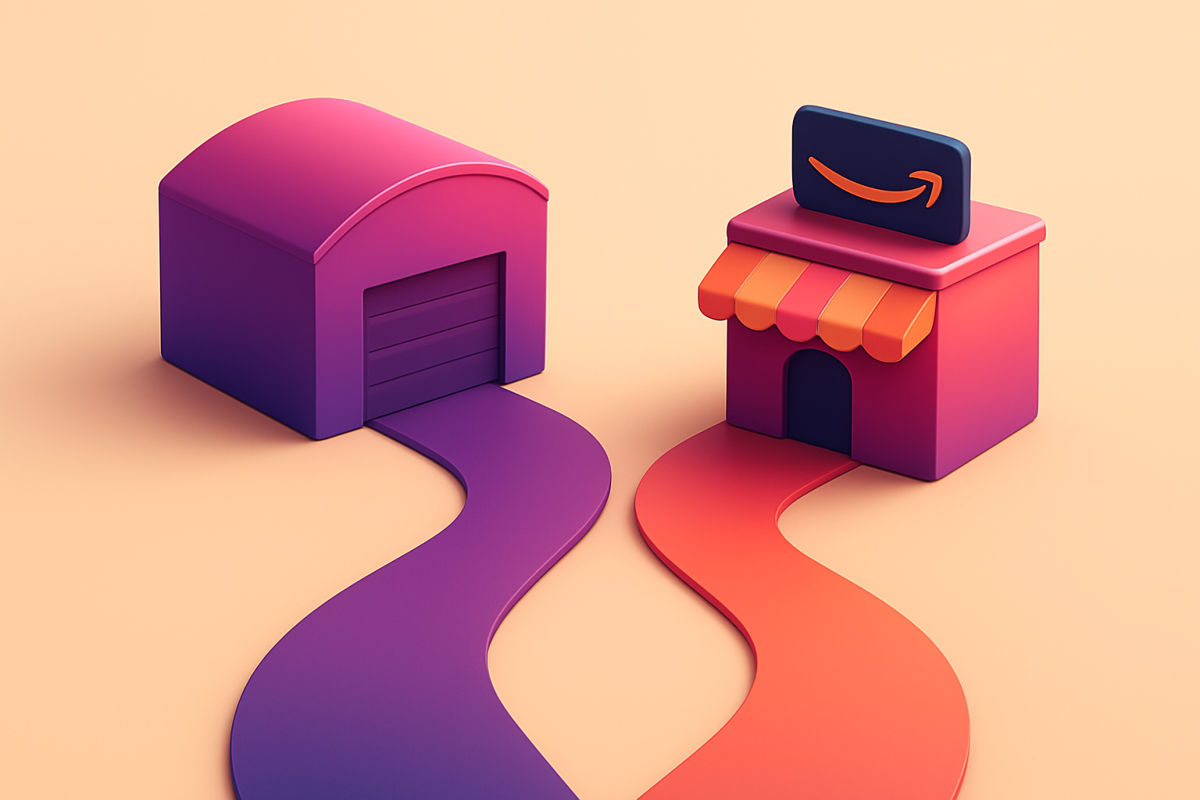
Amazon offers two models: sell your products to Amazon, or sell them yourself on its platform.
Key takeaways
- Vendor Central is invitation-only and leaves pricing to Amazon.
- Seller Central leaves you in control of price and inventory.
- Some brands combine the two depending on the product line.
What’s the difference between a vendor account and a seller account?
With a vendor account, you sell your products to Amazon, which then resells them to customers. With a seller account, you sell your products to customers yourself on Amazon’s platform. These are two different business relationships, managed in two different tools: Vendor Central for vendors, Seller Central for sellers.
In the vendor model, Amazon buys your inventory wholesale and becomes the seller shown on the listing, as “Ships from and sold by Amazon.” In the seller model, you’re a third-party seller: your business is the seller, you set the price of your offer, and you own your inventory until it sells.
| Criterion | Vendor account (Vendor Central) | Seller account (Seller Central) |
|---|---|---|
| Access | By invitation from Amazon | Open to businesses that meet registration requirements |
| Customer | Amazon, which places wholesale orders | End shoppers |
| Retail price | Set by Amazon | Set by you |
| Inventory | Bought by Amazon | Yours, in an Amazon warehouse or your own |
| Fulfillment | Deliveries to Amazon warehouses based on its purchase orders | Fulfillment by Amazon or your own shipping |
| Revenue | Wholesale price negotiated with Amazon | Selling price minus fees and commissions |
How do you become an Amazon vendor?
The vendor account is invitation-only. Amazon describes it as a first-party relationship reserved for businesses it invites. So there’s no public sign-up form that guarantees access: Amazon chooses which brands it wants to work with directly.
This model generally suits manufacturers or distributors that can deliver steady volumes, meet strict logistics requirements, and accept a commercial negotiation with Amazon. The main advantage is simplicity on the selling side: Amazon handles pricing, customer relations, and much of the shopping experience. The trade-off is a loss of control, especially over price and product availability.
What does a seller account give you?
A seller account gives you control over price and inventory. You decide each offer’s price, promotions, the quantities you send, and when you restock. You also see your sales, fees, and margins directly.
That freedom comes with responsibilities:
- managing listings, prices, and advertising;
- choosing and running fulfillment, whether or not you hand shipping to Amazon (see Fulfillment by Amazon or by the seller: choosing your logistics);
- monitoring Account Health and responding to notifications;
- handling customer service if you ship yourself;
- tracking fees closely to set a profitable price, as explained in Understanding Amazon fees before setting your price.
As a seller, you may also compete with other sellers on the same listing. Winning the Buy Box then becomes a central issue: The Amazon Buy Box: how it is awarded.
Can you combine both models?
Yes. Some brands combine the two depending on the product line. For example, they hand Amazon high-volume, low-complexity products that suit wholesale orders, and keep new launches, seasonal items, or higher-margin products in their seller account so they control the price.
This hybrid model takes discipline. Points to watch:
- A clear split of SKUs: the same product sold under both models can put your offer in competition with Amazon’s.
- Price consistency: Amazon sets its own prices on the products it buys, which can affect your seller offer.
- Catalog management: listings are shared, so you need to know who changes what.
- Profitability tracking: Vendor Central and Seller Central data don’t read the same way and need to be reconciled.
How do you choose the right model for your brand?
Start from what you want to control. If control over price, brand image, and your margins is essential, a seller account is usually the starting point. If you receive an invitation and can deliver large volumes on Amazon’s terms, the vendor account deserves a numbers-based review.
- Calculate your margin in each model: wholesale price negotiated with Amazon on one side, selling price minus fees and advertising on the other.
- Assess your resources: a seller account takes day-to-day management time.
- Look at your logistics: can you meet Amazon’s wholesale orders and delivery requirements?
- Think long term: switching models later is possible, but it takes an organized transition of catalog and inventory.
Frequently asked questions
Can you ask for an invitation to become a vendor?
Access is by invitation from Amazon. There’s no public process that guarantees you’ll get one.
Can a seller account use Amazon’s logistics?
Yes. With Fulfillment by Amazon, you send inventory to Amazon’s warehouses, and Amazon picks, packs, and ships orders while you keep ownership of the inventory.
Are brand tools limited to one model?
No. Brands enrolled in Brand Registry can access tools such as A+ Content and the Brand Store, whether they use a seller account or a vendor account.